eLearning
Interactive training modules built in Storyline 360. I design scenario-based courses around real workplace problems - so people practise decisions, get feedback, and leave with something they can use on the job, not another passive slide deck.
How I build
Every module follows the same path: start with the workplace problem, then design for decisions, feedback, and a clear takeaway.
Start with the real problem
I look at what people find hard to do or spot at work, then build the module around that - not around a slide list.
Make people choose, not just read
I use scenarios and interactive paths so learners practise decisions and get feedback, instead of clicking through pages of text.
Build it so it responds
In Storyline 360, progress and feedback change based on what the learner has done, using variables, conditions, and clear navigation rules.
End with something useful
Each module leaves people with a practical takeaway - what to watch for, a safer way to work, or a clearer sense of who does what when things go wrong.
Storyline modules
Open a case study for the challenge and build notes, or launch the live demo in your browser.
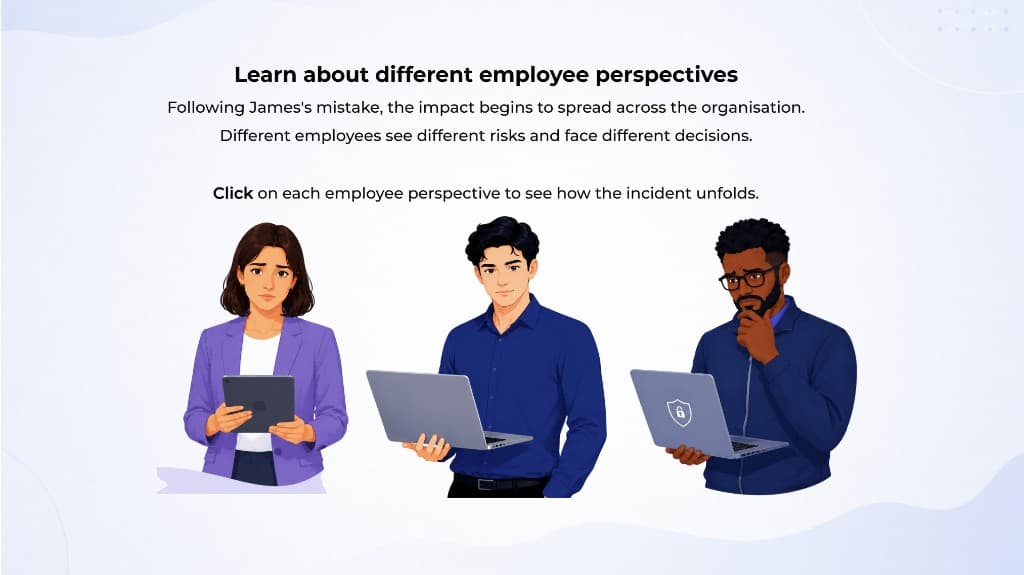
AI Challenges in the Workplace
Scenario-based awareness training around one AI workplace incident, explored from different roles.
- Scenario learning
- Role perspectives
- Incident response
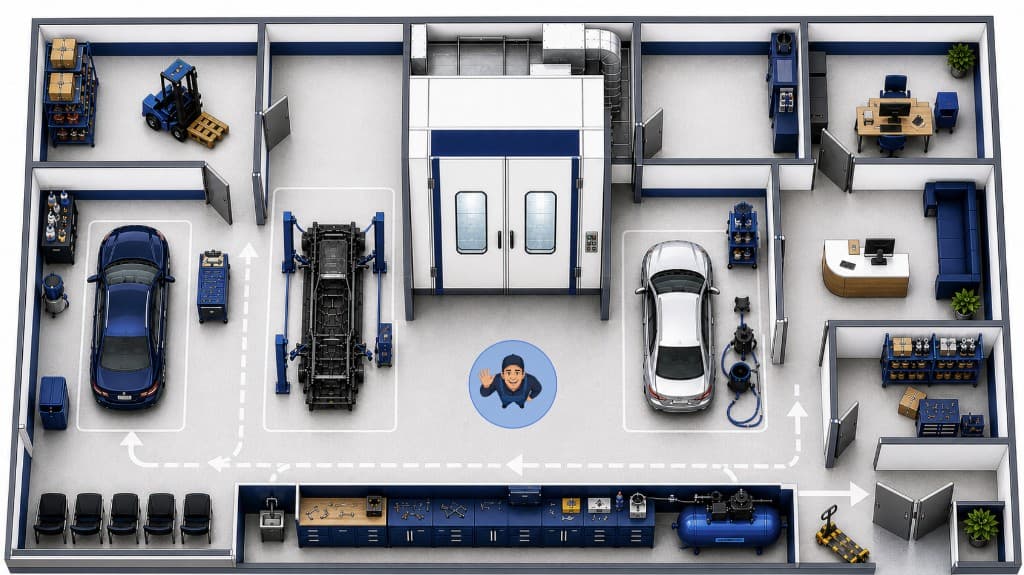
Autospray Health and Safety
Interactive workshop health and safety training - spot hazards and practise safer choices on the floor.
- Hazard spotting
- Workshop map
- Safer workflows
Beyond Storyline
Video editing
Learning content is not only modules. I edit short-form video in Premiere Pro - pacing, graphics, and a clear message people can follow.

Suffolk Building Society video
Edited in Premiere Pro for the society's YouTube channel.
Watch on YouTube